
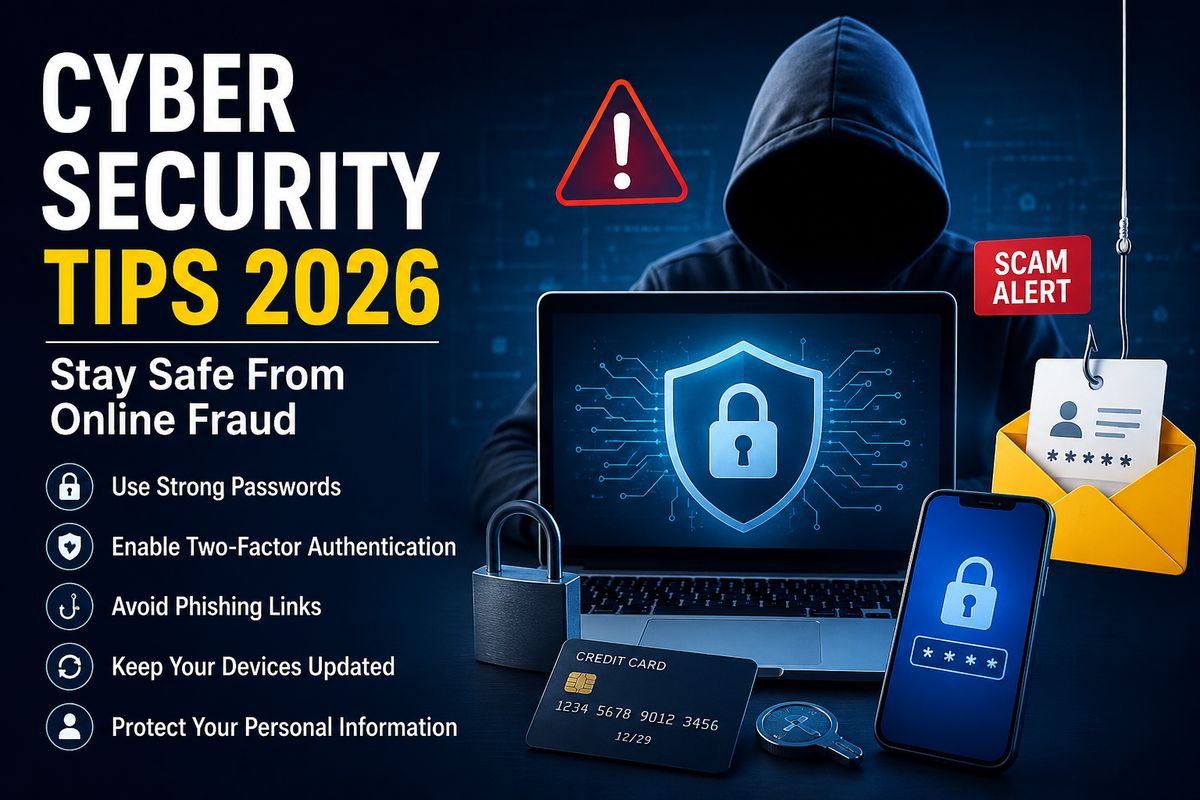
Cyber Security Tips 2026: How to Stay Safe From Online Fraud and Cyber Scams
The internet has become an essential part of everyday life. From online banking and shopping to social media, work, education, and digital payments, we depend on the internet for almost everything. However, as digital usage continues to grow, online fraud and cyber scams are also becoming more sophisticated.
In 2026, cybercriminals are using techniques such as phishing, fake websites, AI-generated messages, identity theft, malicious apps, and social engineering to target internet users. The good news is that a few simple security habits can significantly reduce your risk.
In this guide, we will discuss the most important Cyber Security Tips 2026 that can help you protect your personal information, online accounts, devices, and money from cybercriminals.
What Is Cyber Security?
Cyber security refers to the practices and technologies used to protect computers, smartphones, networks, online accounts, and personal information from unauthorized access, attacks, and digital threats.
Cyber security is not only important for businesses and governments. It is equally important for everyday internet users.
Your personal information, passwords, banking details, emails, photographs, and social media accounts can all become targets for cybercriminals.
Why Cyber Security Is Important in 2026
Cyber threats are constantly evolving. Criminals no longer rely only on traditional viruses or suspicious emails. Modern scams can look highly convincing and may appear to come from banks, delivery companies, government organizations, friends, or even employers.
AI is also making it easier for scammers to create convincing messages, fake profiles, websites, and social-engineering attacks.
Therefore, following basic Cyber Security Tips 2026 is essential for anyone who uses the internet.
15 Cyber Security Tips 2026 to Avoid Online Fraud
1. Use Strong and Unique Passwords
One of the easiest ways to improve your online security is to use strong passwords.
Avoid passwords based on your name, birthday, phone number, or simple words such as “password123.”
A strong password should contain:
- Uppercase and lowercase letters
- Numbers
- Special characters
- At least 12 characters
- A combination that is difficult to guess
Most importantly, never use the same password for multiple important accounts.
2. Enable Two-Factor Authentication
Two-factor authentication, commonly known as 2FA, provides an additional layer of security.
Even if someone obtains your password, they may still need a second verification method to access your account.
Whenever available, enable 2FA for:
- Email accounts
- Banking services
- Social media
- Cloud storage
- Shopping accounts
- Work accounts
Using an authenticator app or passkey can provide stronger protection than relying only on passwords.
3. Never Share OTPs or Verification Codes
An OTP may be required to confirm a legitimate transaction or login, but you should never share it with another person.
Scammers may pretend to be:
- Bank employees
- Customer support representatives
- Delivery agents
- Government officials
- Company representatives
A genuine organization should not ask you to reveal confidential verification codes over a phone call or chat.
Remember: Never share your OTP, PIN, CVV, or password with anyone.
4. Be Careful With Phishing Emails and Messages
Phishing is one of the most common forms of online fraud.
A phishing message may claim that:
- Your bank account will be blocked
- Your package is waiting for payment
- Your social media account has a problem
- You have won a prize
- Your account requires immediate verification
The message may contain a link that takes you to a fake website designed to steal your login information.
Before clicking a link, check the sender and the website address carefully.
5. Verify Websites Before Making Payments
Fake shopping and payment websites can look almost identical to legitimate websites.
Before entering your card details or personal information, check:
- Website address
- Domain spelling
- HTTPS connection
- Company information
- Contact details
- Reviews and reputation
Avoid making payments through suspicious links received through SMS, WhatsApp, email, or social media.
6. Keep Your Smartphone and Computer Updated
Software updates are not only about new features. They often include important security fixes.
Regularly update:
- Operating systems
- Web browsers
- Mobile applications
- Antivirus software
- Security tools
Turn on automatic updates whenever possible.
7. Avoid Installing Unknown Apps
Only download applications from trusted and official app stores whenever possible.
Be especially careful with APK files or applications received through messaging apps, websites, or unknown sources.
A malicious application may attempt to access:
- Contacts
- Messages
- Photos
- Microphone
- Camera
- Location
- Banking information
Before installing an app, check its developer, permissions, reviews, and download source.
8. Be Careful on Public Wi-Fi
Public Wi-Fi networks in airports, hotels, cafés, and shopping centers can be convenient, but you should avoid performing sensitive activities on unsecured networks.
Avoid accessing online banking or entering sensitive information when using an unfamiliar public Wi-Fi network.
If you must use public Wi-Fi, consider using a trusted VPN and make sure your device’s security settings are enabled.
9. Protect Your Social Media Accounts
Cybercriminals can use information available on social media for scams and identity theft.
Avoid publicly sharing sensitive information such as:
- Phone numbers
- Home addresses
- Travel plans
- Identification documents
- Financial information
- Personal security questions
Review your privacy settings regularly and enable two-factor authentication.
10. Watch Out for AI-Powered Scams
AI has made digital communication more convincing than ever.
Scammers can potentially use AI-generated text, images, voice, and other content to create convincing impersonation scams.
For example, you might receive a message that appears to come from a family member asking for money urgently.
If a request seems unusual, verify it through another communication method.
Do not send money simply because a message or voice sounds familiar.
11. Never Trust “Too Good to Be True” Offers
Fake investment schemes, lottery messages, job offers, giveaways, and shopping discounts are common methods used to attract victims.
Be suspicious of offers that promise:
- Guaranteed profits
- Instant jobs
- Huge discounts
- Easy money
- Guaranteed investment returns
- Prize winnings without entering a contest
Always verify the company or offer independently before providing money or personal information.
12. Use Secure Payment Practices
Digital payments are convenient, but they should be handled carefully.
Before approving a transaction:
- Check the recipient’s details.
- Verify the amount.
- Confirm the payment request.
- Never approve an unexpected request.
- Keep transaction notifications enabled.
If someone pressures you to make an immediate payment, stop and verify the request first.
13. Back Up Important Data
Cyber security is not only about preventing attacks. You should also prepare for the possibility of losing your data.
Regularly back up important:
- Documents
- Photos
- Videos
- Work files
- Contacts
Keep important backups in a secure location and consider maintaining more than one backup.
14. Use a Password Manager
Remembering dozens of unique passwords can be difficult.
A reputable password manager can help generate and store strong passwords securely.
Instead of using one password everywhere, you can create a different password for each important account.
This reduces the damage if one account is compromised.
15. Report Suspicious Activity Quickly
If you believe that your account, device, or financial information has been compromised, act quickly.
Immediately:
- Change the affected password
- Log out of unknown devices
- Contact your bank if money is involved
- Block suspicious cards or accounts when necessary
- Preserve relevant messages and transaction information
- Report the incident through the appropriate official cybercrime channel
The faster you respond, the better your chances of limiting potential damage.
Common Types of Online Fraud in 2026
Understanding common scams can help you recognize them before becoming a victim.
Phishing Scams
Scammers send fake emails or messages to steal passwords, banking information, or other sensitive data.
OTP Scams
Criminals may try to trick victims into revealing OTPs or verification codes.
Fake Customer Support Scams
Fraudsters may impersonate customer support representatives and request remote access, payments, or confidential information.
Investment Scams
Fake investment platforms may promise unrealistic returns and pressure users to deposit money.
Job Scams
Fraudulent job offers may ask applicants to pay registration, training, or processing fees.
Online Shopping Scams
Fake websites or social media sellers may take payments without delivering the promised products.
Identity Theft
Criminals may misuse stolen personal information to impersonate another person or access their accounts.
What Should You Do If You Become a Victim of Online Fraud?
Do not panic. Take action immediately.
First, contact your bank or payment provider if money has been transferred. Secure the affected account by changing passwords and signing out of unfamiliar devices.
Keep screenshots, transaction details, phone numbers, emails, and other evidence related to the incident.
In India, online financial fraud should be reported through the appropriate official cybercrime reporting channels as quickly as possible.
Cyber Security Checklist for 2026
Use this simple checklist to improve your online safety:
- ✅ Use strong, unique passwords
- ✅ Enable two-factor authentication
- ✅ Keep your devices updated
- ✅ Never share OTPs or PINs
- ✅ Check links before clicking
- ✅ Avoid suspicious apps
- ✅ Be careful with public Wi-Fi
- ✅ Protect your social media accounts
- ✅ Verify unusual money requests
- ✅ Back up important data
- ✅ Use trusted payment methods
- ✅ Report suspicious activity quickly
Final Thoughts
Cybercriminals are constantly developing new ways to target internet users. In 2026, staying safe online requires more than simply installing antivirus software.
Good digital habits are your first line of defense.
By following these Cyber Security Tips 2026, using strong authentication, checking links carefully, protecting personal information, and verifying suspicious requests, you can significantly reduce your chances of becoming a victim of online fraud.
Think before you click, verify before you pay, and never share confidential information with strangers.
FAQs About Cyber Security Tips 2026
1. What is the most important cyber security tip for 2026?
Using strong unique passwords and enabling multi-factor authentication are among the most important steps you can take to protect your online accounts.
2. How can I protect myself from online fraud?
Avoid suspicious links, never share OTPs or passwords, verify payment requests, use secure websites, keep your devices updated, and enable two-factor authentication.
3. Can AI be used for online scams?
Yes. AI can make certain scams more convincing by helping criminals create realistic messages, impersonation content, and other deceptive material. Always independently verify unusual requests.
4. Should I share my OTP with customer support?
No. Never share your OTP, password, PIN, or CVV with another person.
5. How often should I change my passwords?
Instead of changing passwords on an arbitrary schedule, use strong unique passwords and change them promptly if you suspect they have been exposed or compromised. Use multi-factor authentication wherever possible.